Foreword
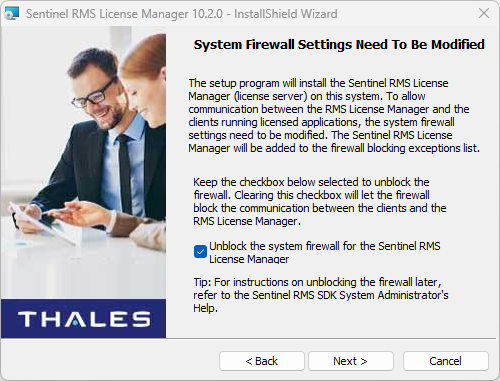
If you use Network License mode, you will have to install a license server on a selected computer. You may have to adjust network rules (firewall rules, port transfer) depending on your configuration.
Prerequisites
You have selected the computer that will be used as the license server
You have downloaded the Sentinel RMS License Manager installation package
Procedure
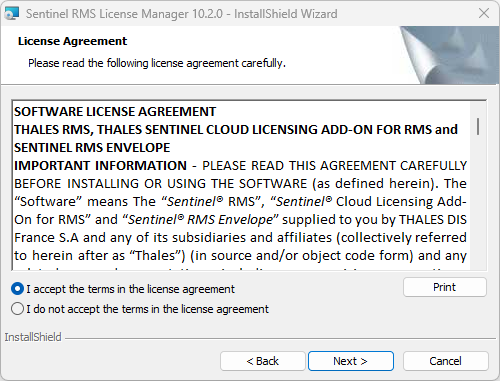
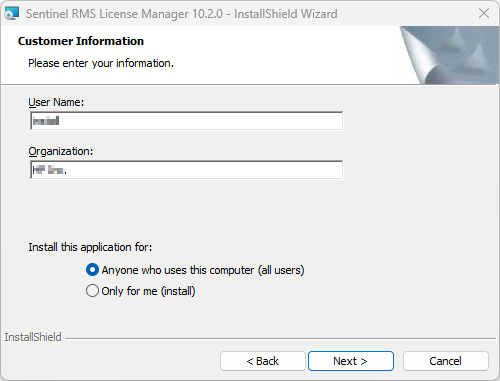
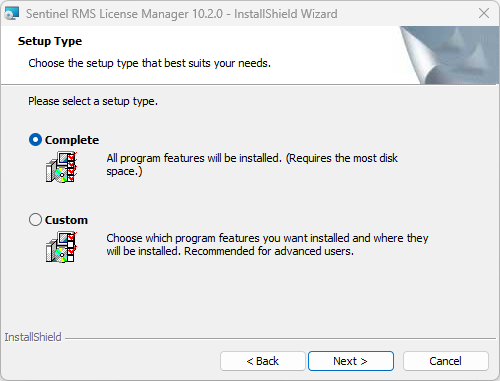
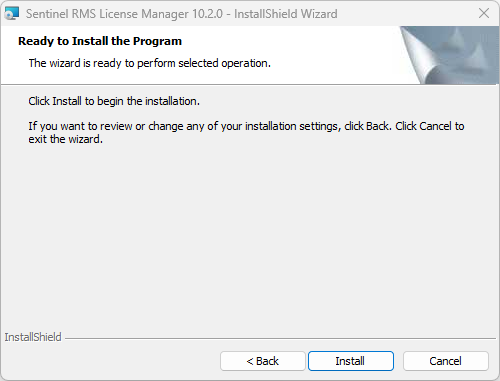
In most cases, default setup options should be kept unchanged
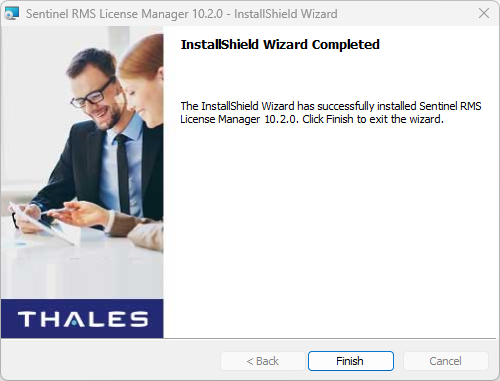
At the end of the installation procedure, a service named 'Sentinel RMS License Manager' is running.
| Start Sentinel RMS setup program | 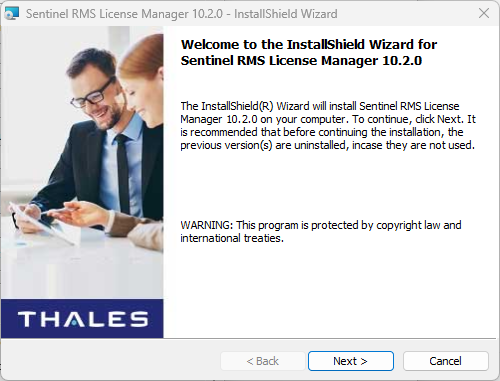 |
 | |
 | |
| At this step, you may change the installation folder. If you are upgrading from a previous version, you must select the same folder to restore the existing licenses. | 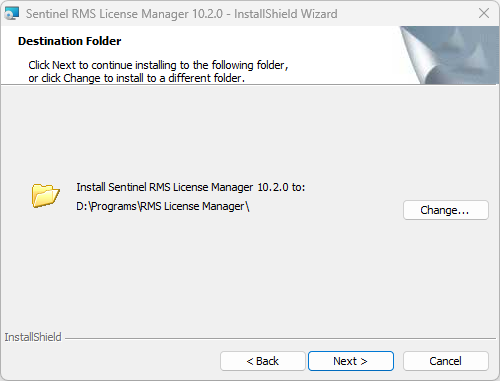 |
 | |
 | |
 | |
| If you are upgrading from a previous version, you may have to validate that step | 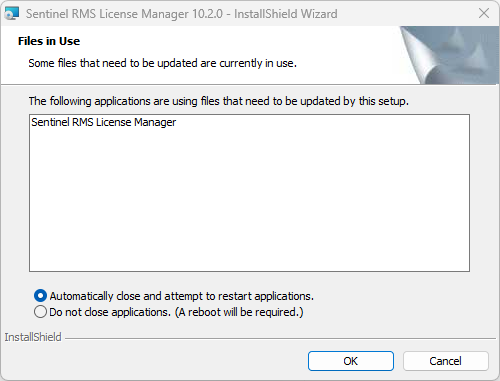 |
 |
Network flow
By default, Sentinel RMS uses port UDP 5093

Downloads
See Network License Download Page
Was this article helpful?
That’s Great!
Thank you for your feedback
Sorry! We couldn't be helpful
Thank you for your feedback
Feedback sent
We appreciate your effort and will try to fix the article